


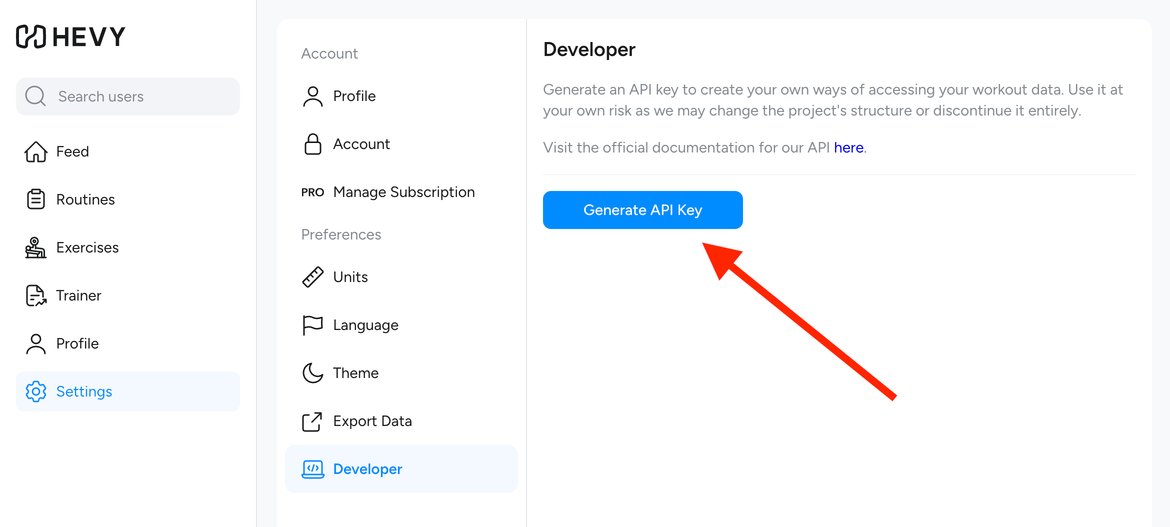
1 Get your Hevy API key
Log in at hevy.com, open Settings → Developer and generate an API key.
No account yet? Sign up for Hevy free first.
 Hevy MCP
unofficial
Hevy MCP
unofficial
Connect Claude, Cursor, Codex or any MCP client to your Hevy account. Ask about your progress, log workouts, build routines — no install required.

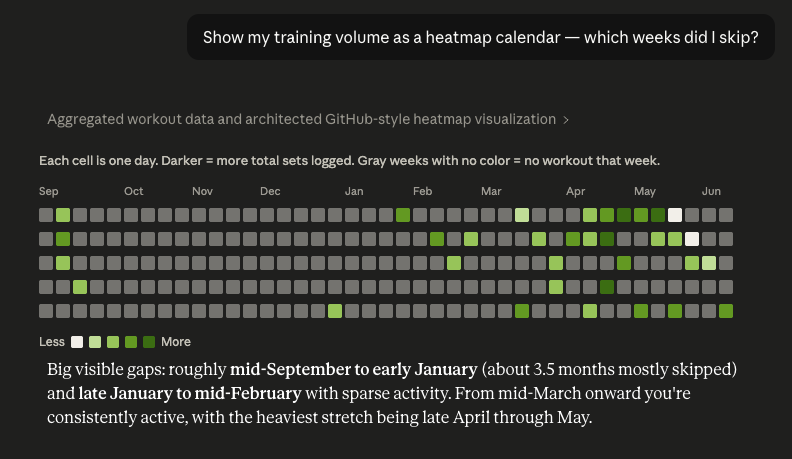
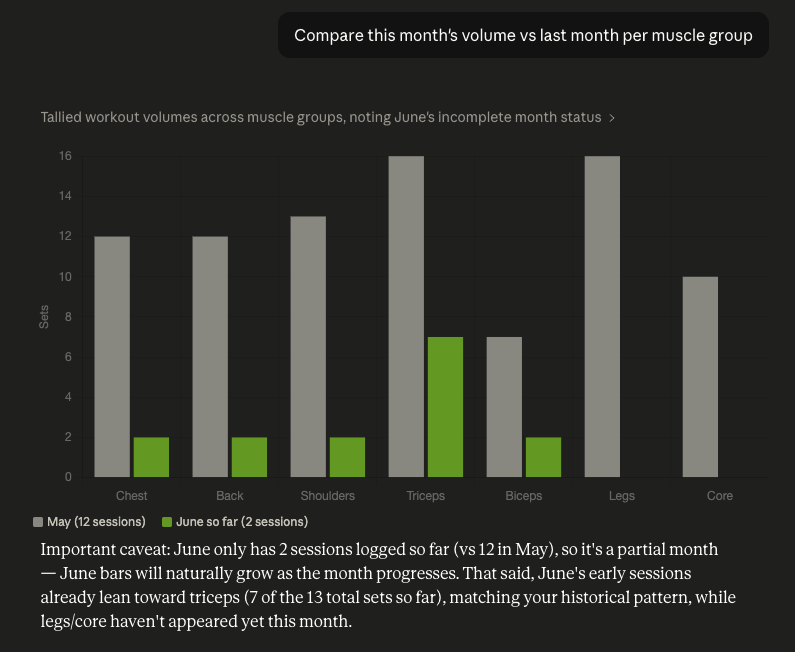
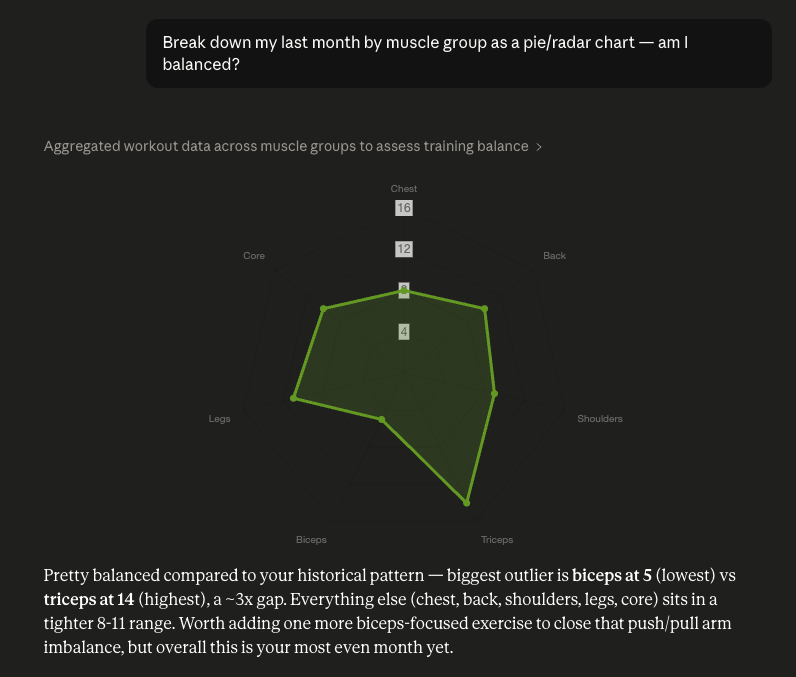
Hevy is the free app behind all of this — log your workouts, crush your PRs, watch your progress take off.
Join Hevy for freeLog in at hevy.com, open Settings → Developer and generate an API key.
No account yet? Sign up for Hevy free first.
{
  "mcpServers": {
    "hevy": {
      "command": "npx",
      "args": [
        "-y", "mcp-remote",
        "https://unofficial-hevy-mcp.up.railway.app/mcp",
        "--header", "X-HEVY-API-KEY:${HEVY_API_KEY}"
      ],
      "env": { "HEVY_API_KEY": "<your api key>" }
    }
  }
}https://unofficial-hevy-mcp.up.railway.app/mcp
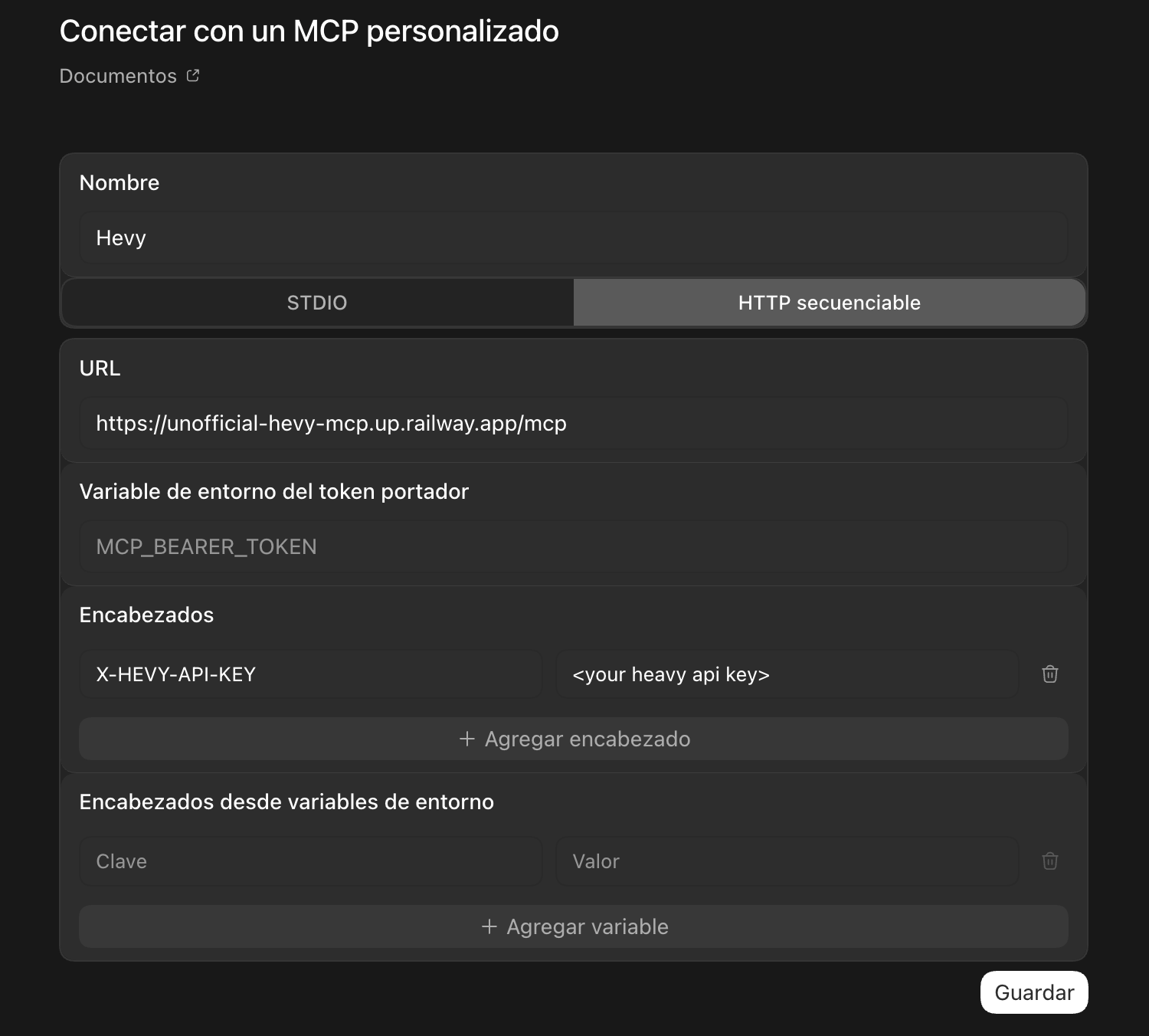
{
  "mcpServers": {
    "hevy": {
      "url": "https://unofficial-hevy-mcp.up.railway.app/mcp",
      "headers": { "X-HEVY-API-KEY": "<your api key>" }
    }
  }
}Your API key is never stored.
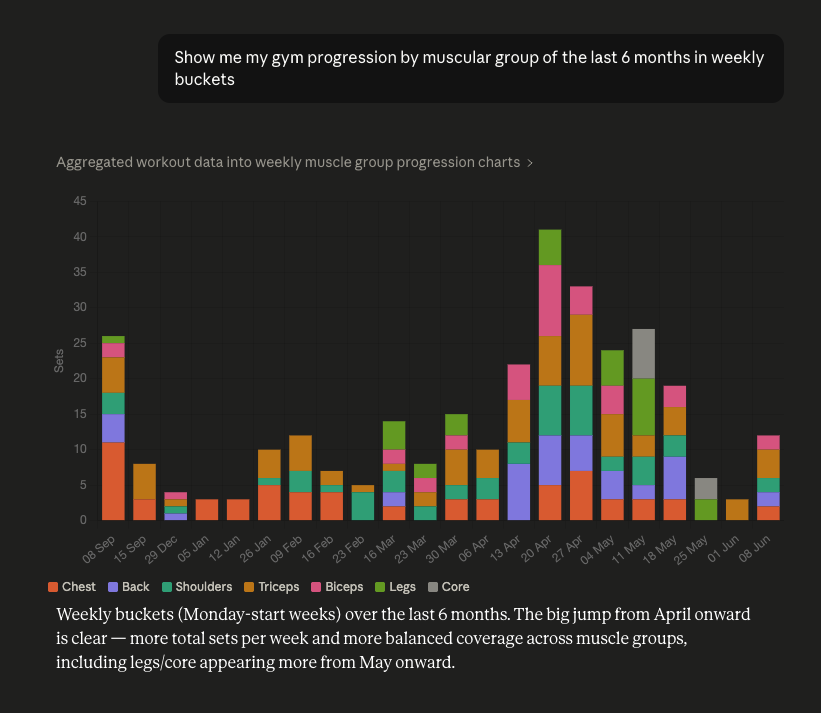
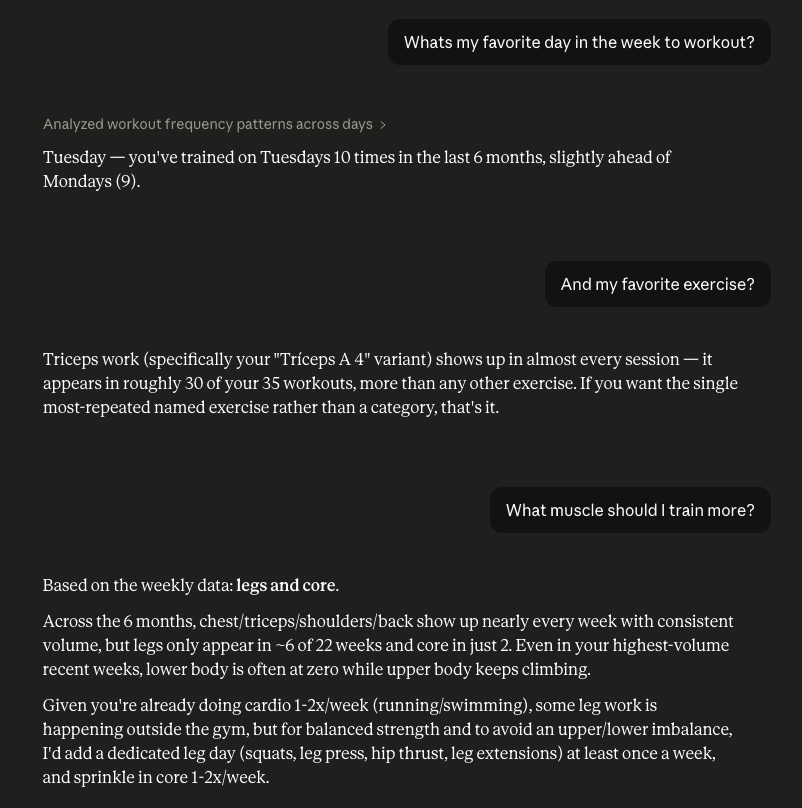
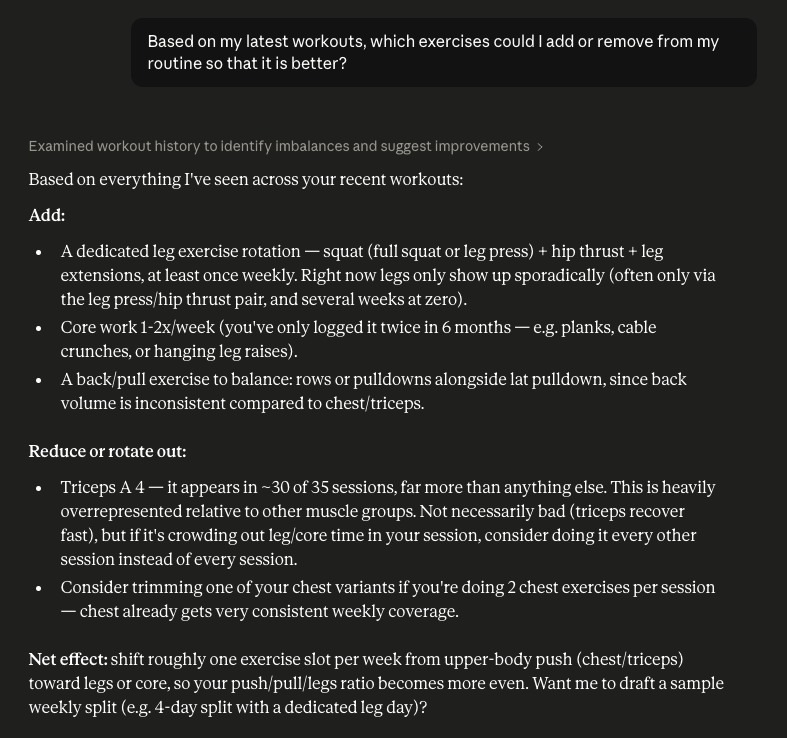
Then just talk to your assistant in plain language. A few ideas:
No. This is an independent, unofficial project and is not affiliated with Hevy. It uses Hevy's public API to connect your account to AI assistants.
Yes. The server is completely free and there's nothing to install — you just paste a URL into your AI client and connect your Hevy account.
Any MCP-compatible client, including Claude (Desktop and Code), Cursor and Codex. Setup takes about a minute.
Your API key stays in your AI client's config on your own device. The server forwards it to Hevy with each request and never stores it.
Track your progress and personal records, check whether your training is balanced, build and save routines to Hevy, and log workouts or body measurements — all in plain language.